
0
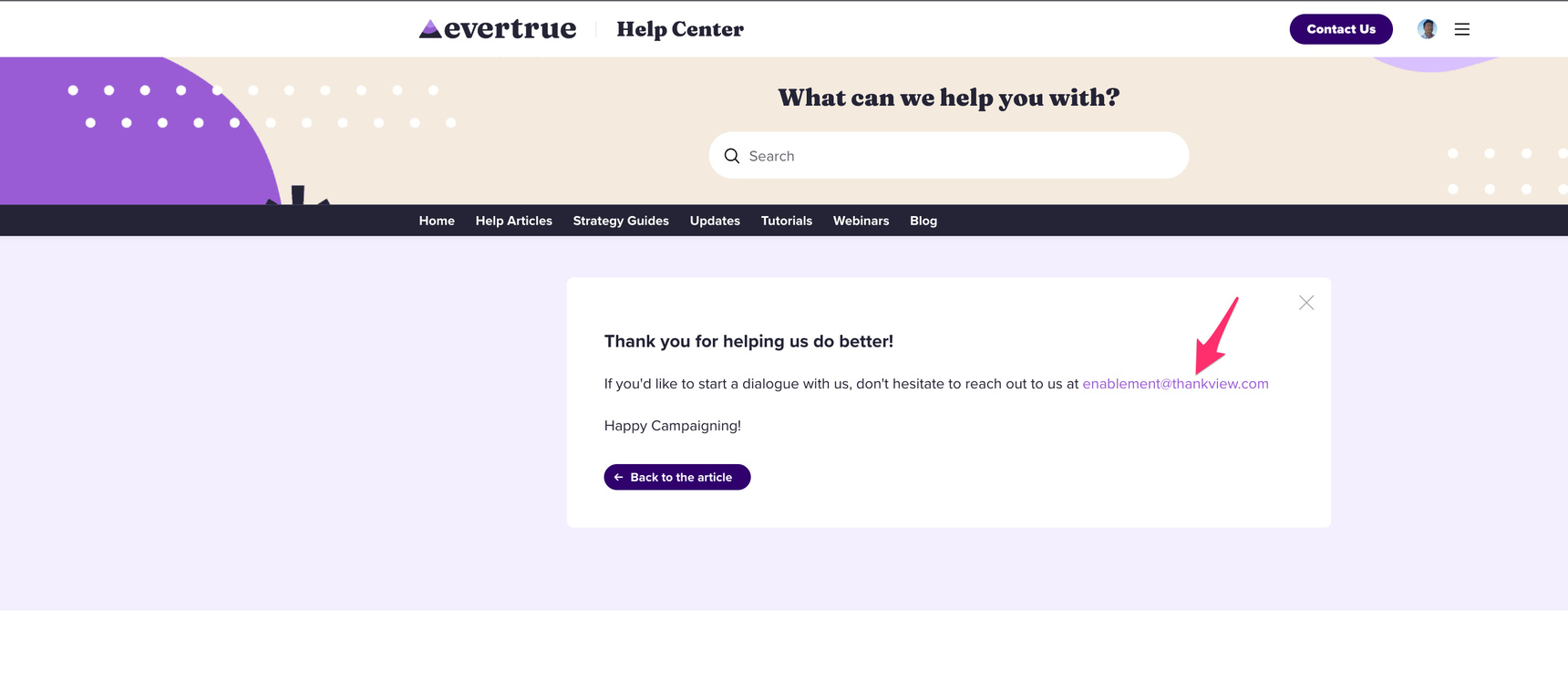
Change email address that is displayed after article feedback is entered
I am trying to find where to update the email address that is displayed after a community user submits article feedback. I am not finding it in my settings, and our knowledge bases are displaying an old email that has been deprecated.
1 reply
-
Hi ,
You can now edit this in Admin Console > Content Blocks > Article Feedback. Update the Article Feedback Contact Email and save. The new address will replace the old one on the confirmation screen. You can also make changes to the Confirmation Message text while you're there.
Let us know if you run into any trouble!